Film Stock Look
Film Stock Look is a ready-made skill in glu.tv studio. Upload a still and pick a film stock look to get the same picture regraded in that stock's colour, contrast and grain, with nothing else changed. You give it your photo, and you get one picture. Making one uses credits, and the cost shows on the Make it button before anything is made.
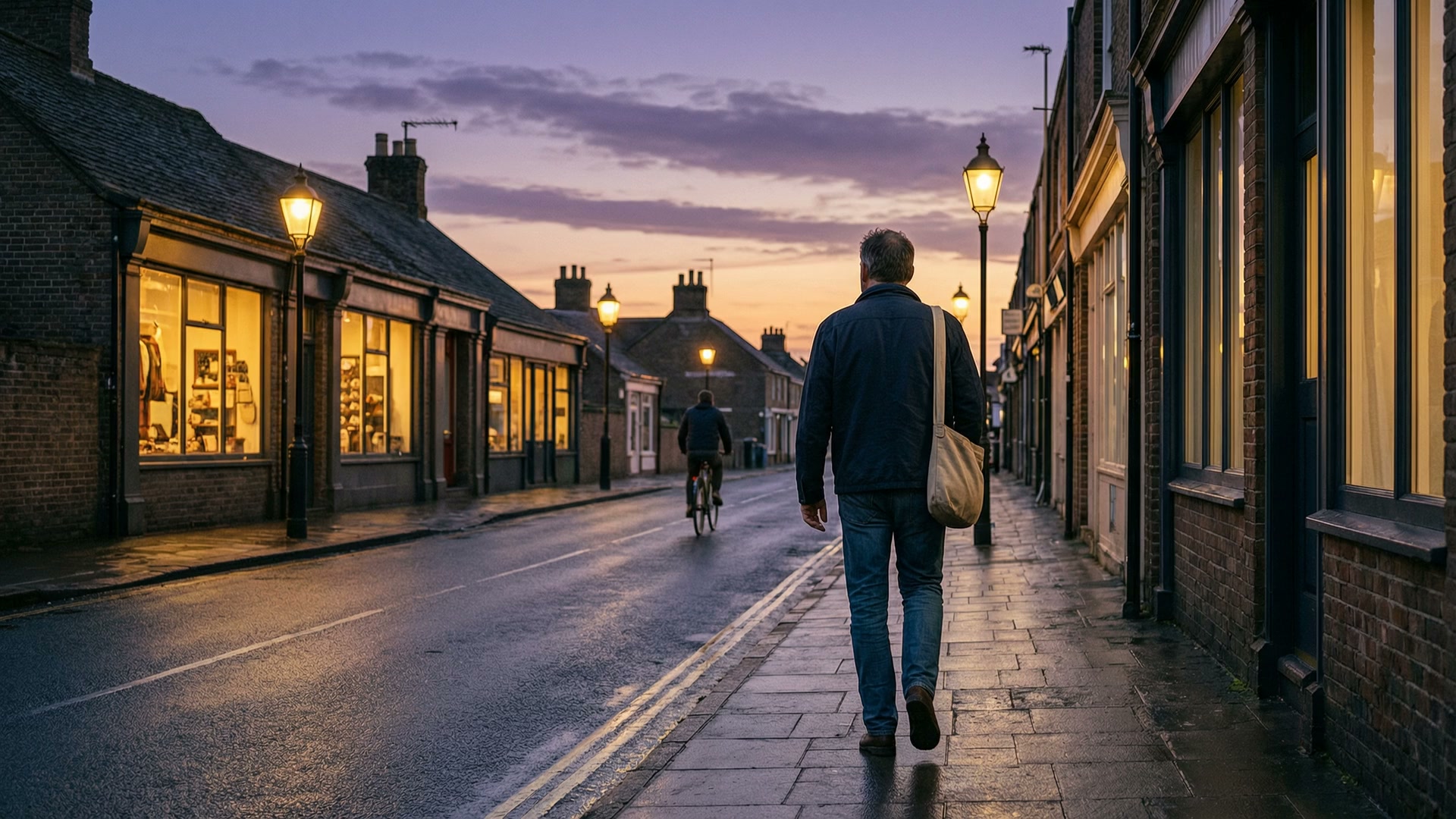
What it does
Upload a still and pick a film stock look to get the same picture regraded in that stock's colour, contrast and grain, with nothing else changed.
What you give it
- Your photo
What you get
One picture.
How the models compare
See how AI image models compare on the same prompts: picture scenes, side by side.
More Look skills
- Day for Night: Upload a daytime photo of a place to get the same view at night, relit like a film night exterior with moonlight and the lamps and windows switched on.
- Make It Rain: Upload a photo of any scene to get a short video of rain starting to fall on it.
- Tiny Makers: Upload a photo of one product to get a short video of a crew of tiny workers building and polishing it.
Questions, answered
What does Film Stock Look do?
Upload a still and pick a film stock look to get the same picture regraded in that stock's colour, contrast and grain, with nothing else changed. You get one picture.
What do I give Film Stock Look?
You give it your photo.
Can I try Film Stock Look without an account?
You can look around without one, but making needs a free account: sign up and you start with free credits. Pay as you go, and upgrade to Creator any time.