Foley Pass
Foley Pass is a ready-made skill in glu.tv studio. Upload a silent clip to get it back with realistic sound effects and ambience matched to everything on screen, subtle or full. You give it your clip, and you get one video at 720P. Making one uses credits, and the cost shows on the Make it button before anything is made.
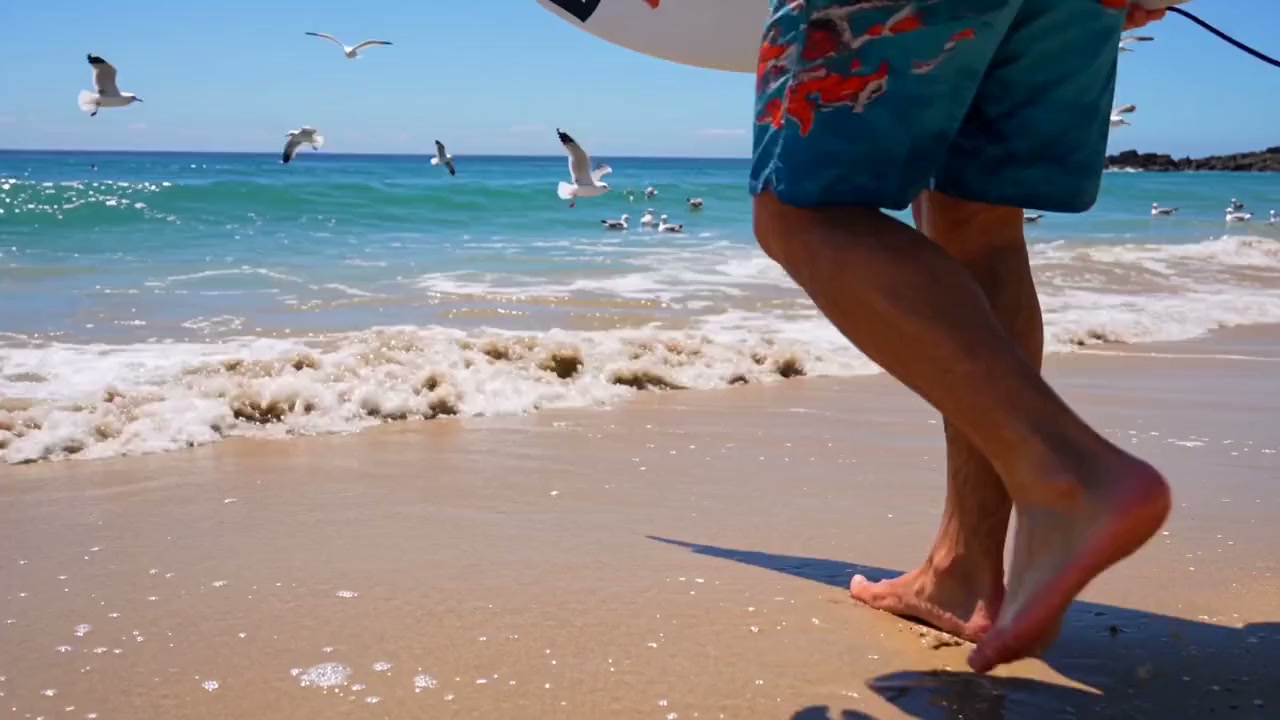
What it does
Upload a silent clip to get it back with realistic sound effects and ambience matched to everything on screen, subtle or full.
What you give it
- Your clip: A clip with no sound, up to 15 seconds
What you get
One video at 720P.
How the models compare
See how AI video models compare on the same prompts: video scenes, side by side.
More Sound skills
- Score a Scene: Upload a clip and pick a mood to get it back with an original score matched to its length and pace; any dialogue stays clear above it.
Questions, answered
What does Foley Pass do?
Upload a silent clip to get it back with realistic sound effects and ambience matched to everything on screen, subtle or full. You get one video at 720P.
What do I give Foley Pass?
You give it your clip.
Can I try Foley Pass without an account?
You can look around without one, but making needs a free account: sign up and you start with free credits. Pay as you go, and upgrade to Creator any time.