Orthographic Views
Orthographic Views is a ready-made skill in glu.tv studio. Upload a full-body photo of one person to make a turnaround sheet: front, side and back views side by side, with the same outfit and details in every view. You give it A character photo and style reference (optional), and you get one picture. Making one uses credits, and the cost shows on the Make it button before anything is made.
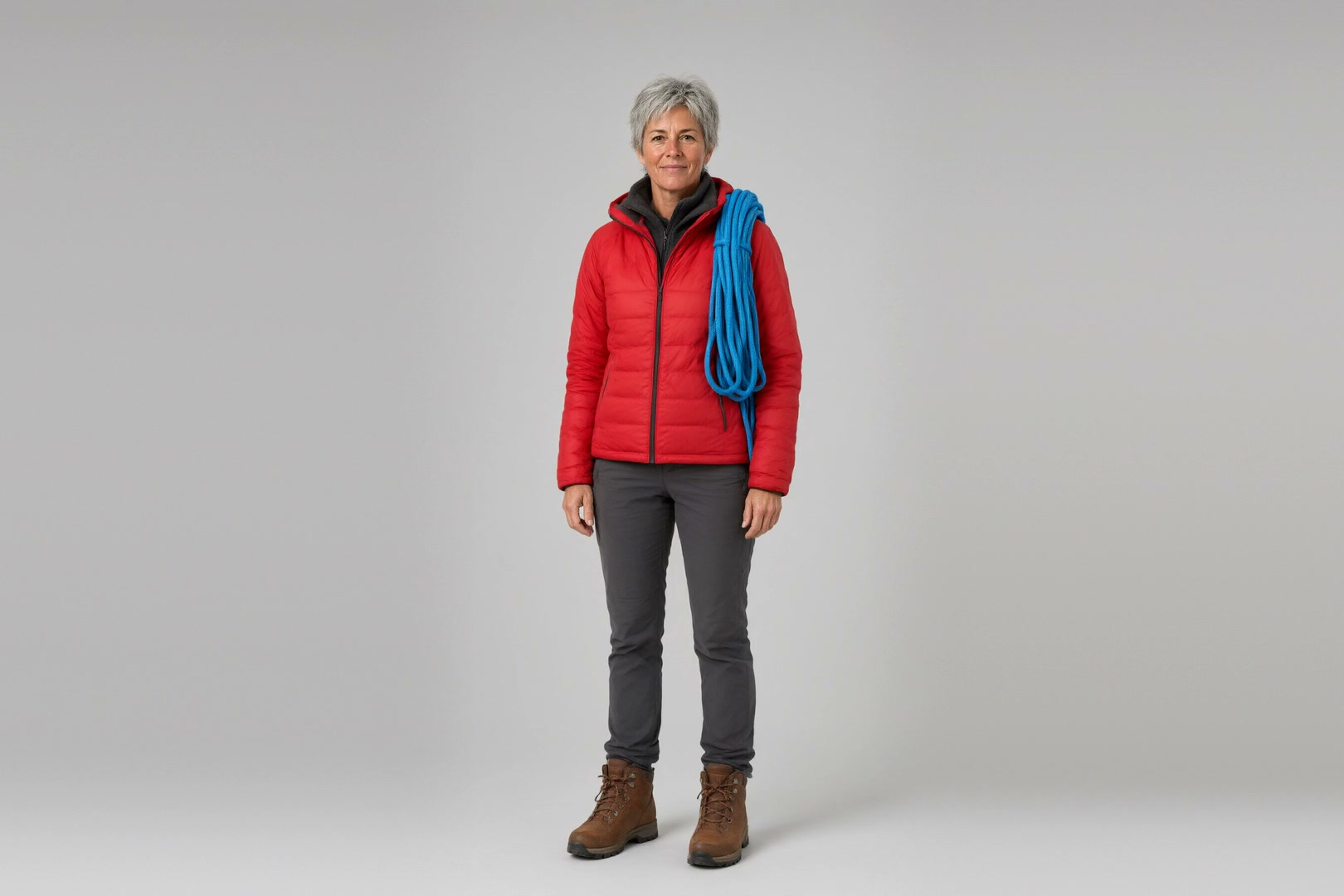
What it does
Upload a full-body photo of one person to make a turnaround sheet: front, side and back views side by side, with the same outfit and details in every view.
What you give it
- A character photo
- Style reference (optional): We take its light, colour and finish, never its people or clothes
What you get
One picture.
How the models compare
See how AI image models compare on the same prompts: picture scenes, side by side.
More Plan skills
- 360 Turn: Upload a full-body photo of one person to get a short video of them turning a full circle, so every side of the outfit shows.
- Coverage Pack: Upload a still with two people in it to get one sheet of five matching dialogue-coverage frames of that scene: a wide master, an over-the-shoulder shot each way and a close-up of each person.
- Establishing Shot: Upload a close or medium photo of a place, or of someone in a place, to get a wide opening shot of the same location from high and far away, with its surroundings, weather and light carried on.
- Expression Sheet: Upload a photo of one face to make a sheet of the same person showing six different emotions: calm, joy, anger, fear, grief and surprise.
- Extract Items: Upload a full-body photo of one person to get every piece of their outfit laid out flat, item by item, as a clean product sheet.
- Storyboard Sheet: Upload a photo of one person to get a six-shot storyboard of them in one dramatic scene: wide, medium, close-up, over the shoulder, a detail of their hand and a reaction, as real film stills.
Questions, answered
What does Orthographic Views do?
Upload a full-body photo of one person to make a turnaround sheet: front, side and back views side by side, with the same outfit and details in every view. You get one picture.
What do I give Orthographic Views?
You give it A character photo and style reference (optional).
Can I try Orthographic Views without an account?
You can look around without one, but making needs a free account: sign up and you start with free credits. Pay as you go, and upgrade to Creator any time.