Speed Ramp
Speed Ramp is a ready-made skill in glu.tv studio. Upload an action photo to get a short clip that slows into deep slow motion at the peak of the action, then snaps back to full speed. You give it your photo, and you get one 5-second video at 720P or 1080P. Making one uses credits, and the cost shows on the Make it button before anything is made.
What it does
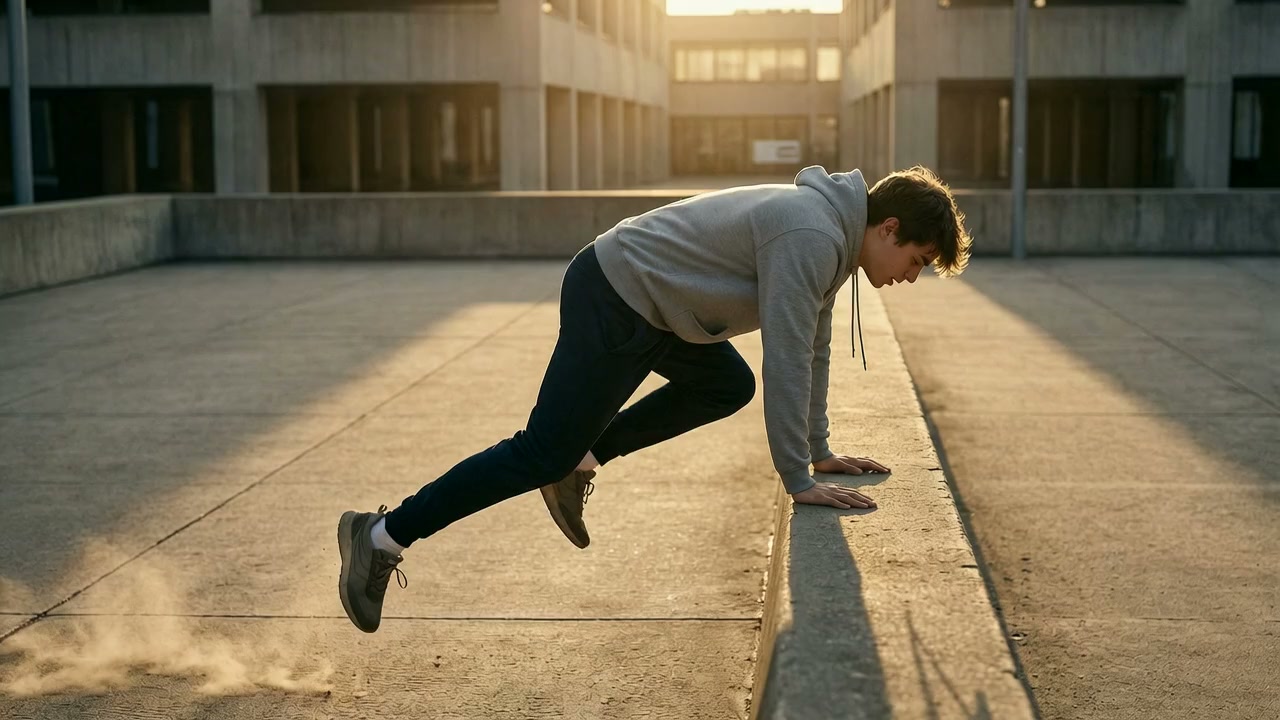
Upload an action photo to get a short clip that slows into deep slow motion at the peak of the action, then snaps back to full speed.
What you give it
- Your photo: A moment of action: a leap, a turn, a splash
What you get
One 5-second video at 720P or 1080P.
How the models compare
See how AI video models compare on the same prompts: video scenes, side by side.
More Edit skills
- Freeze Frame: Upload a dramatic moment to get it as a film freeze frame: held still, the camera pushing in as the edges darken, with an optional title set in our type.
- Match Cut: Upload two different scenes to get a short clip that dissolves from the first into the second through a shape they share, a graphic match as in film editing.
- Whip-Pan Transition: Upload two shots to get a short clip that holds the first, whips the camera sideways in a fast motion-blurred pan, and lands on the second.
Questions, answered
What does Speed Ramp do?
Upload an action photo to get a short clip that slows into deep slow motion at the peak of the action, then snaps back to full speed. You get one 5-second video at 720P or 1080P.
What do I give Speed Ramp?
You give it your photo.
Can I try Speed Ramp without an account?
You can look around without one, but making needs a free account: sign up and you start with free credits. Pay as you go, and upgrade to Creator any time.