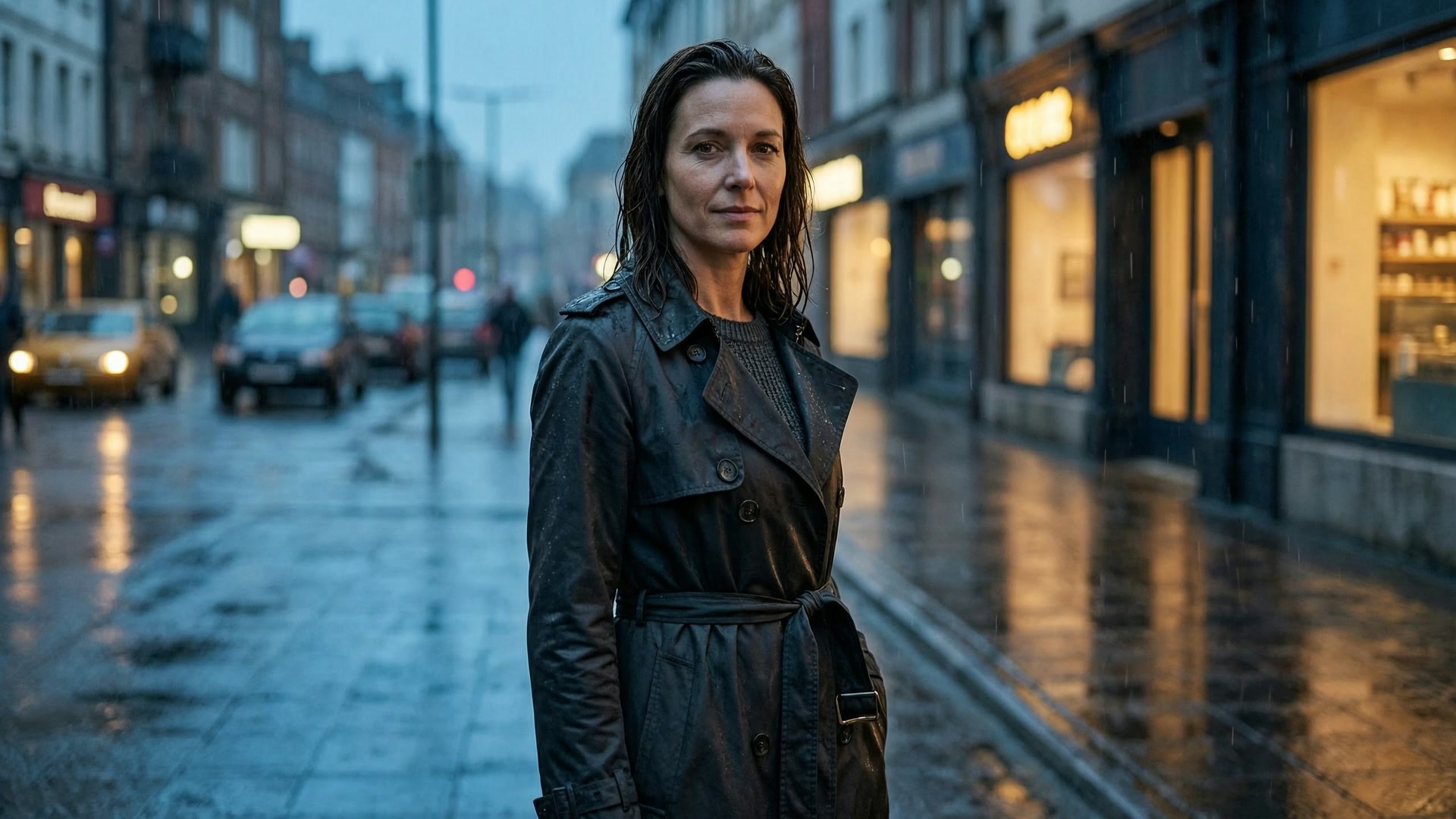

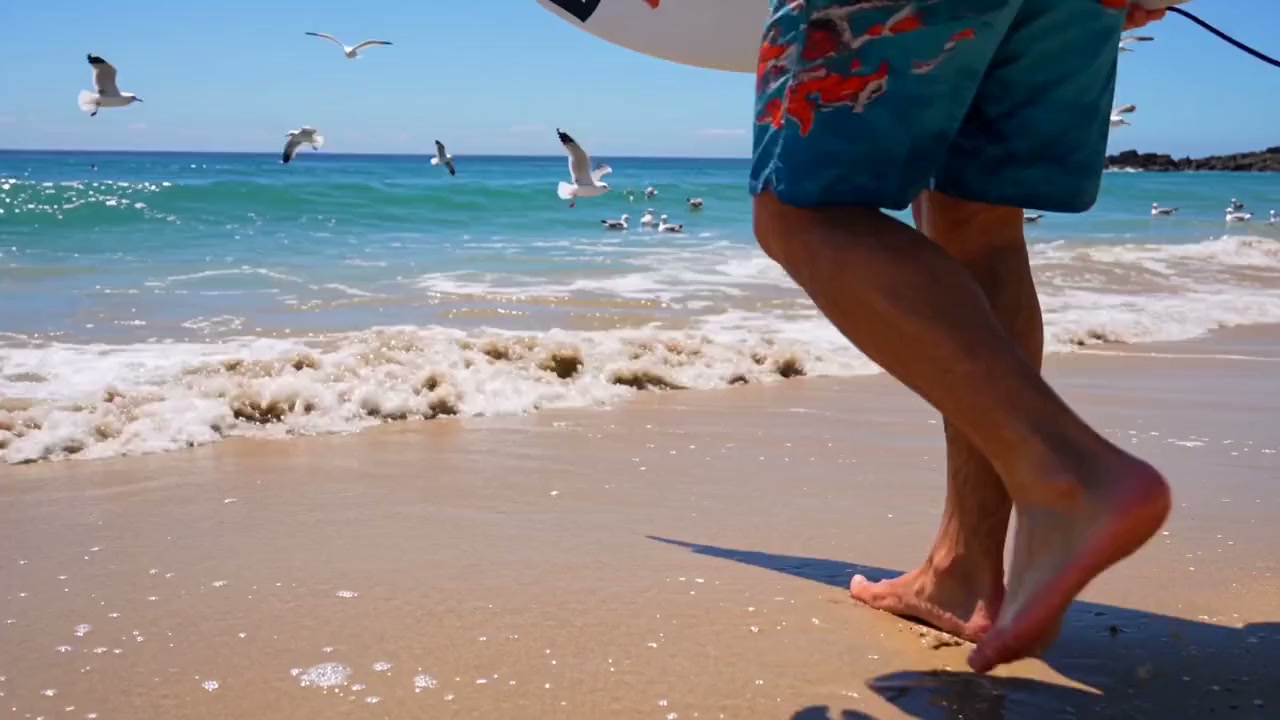
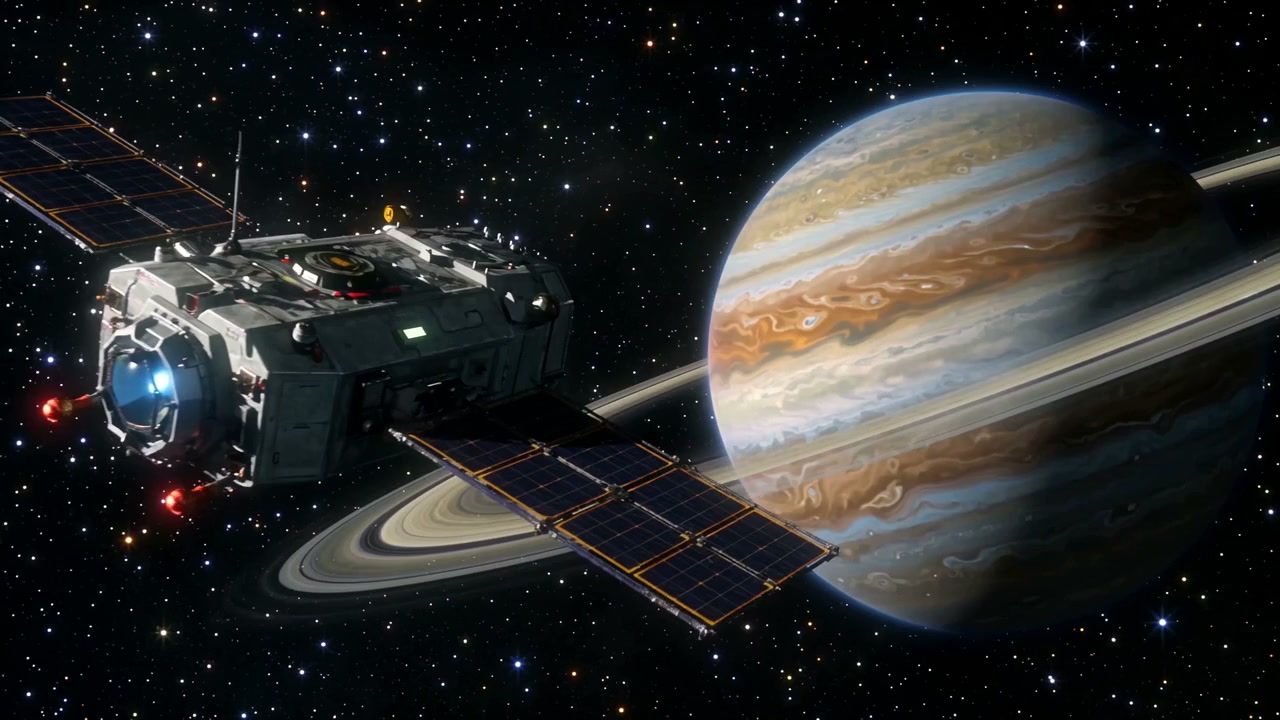
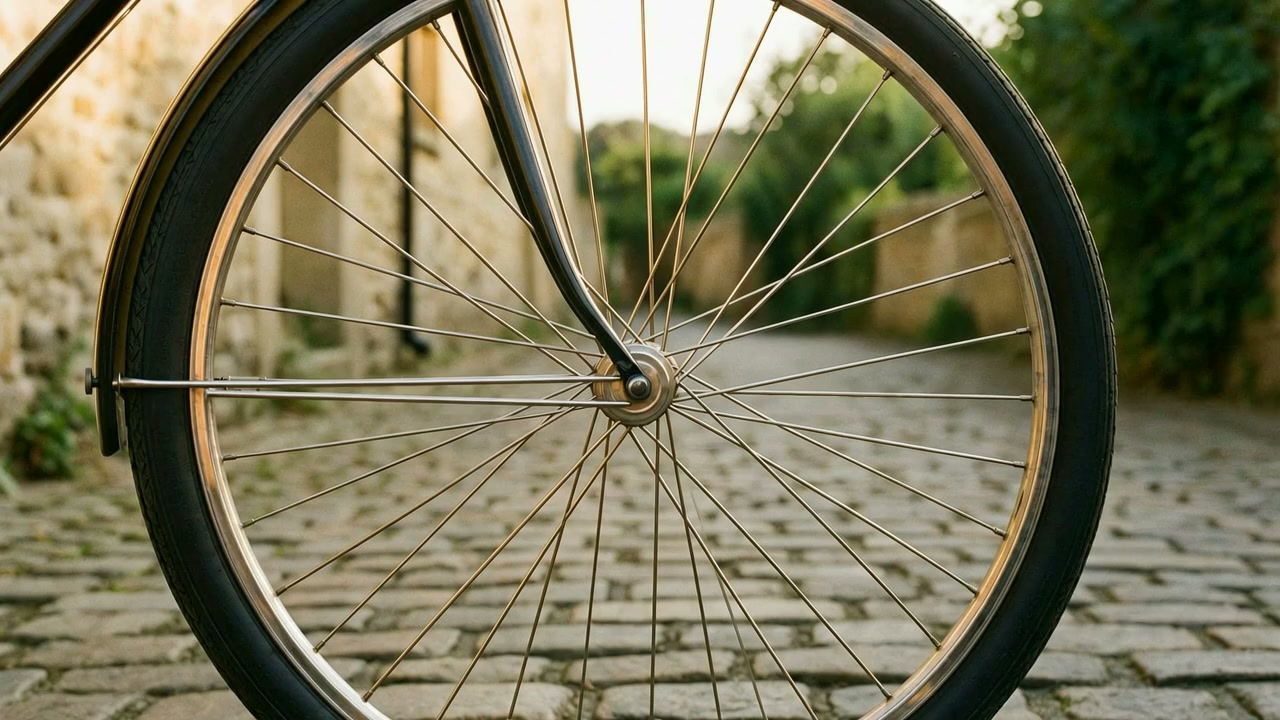
The five steps
- Write the film as shots. One idea, one place, three to five shots. A shot is a single camera move lasting a few seconds. The Storyboard Sheet and Coverage Pack skills lay out the shots from a description.
- Fix the look before any video. Make a picture of each character and the place first, so every clip starts from the same faces and light. The Expression Sheet skill gives one character several faces, and Film Stock Look sets a grain and colour for the whole film.
- Make each shot as a clip. Start the clip from your picture where the model allows it, because that keeps faces steady. In our November 2026 test of nine models animating the same still, Seedance 2.5 and Kling 4.0 shared first place and one model came last of nine. Run one prompt on several models in Models and keep the clip you like.
- Add sound. Many video models make sound with the clip. For a silent clip, Foley Pass adds matching effects and ambience, and Score a Scene adds an original score.
- Cut it together. Join the clips on movement: a turn, a pan, a door. The Match Cut and Whip-Pan Transition skills make the joins.
What we have seen go wrong
Two things sank more clips than anything else in our tests: asking for too much in one shot, and changing the look between shots. Our video scene tests show how differently the same prompt comes out across models. The model that placed first changed from scene to scene, so there is no single best model for a film. Choose a model for each shot.
For the longer version of this process, with the tools that real films credit at each stage, read our guide to making an AI short film.